If you built your authorization layer on Oso Cloud, you are likely reassessing your options after the October 2026 acquisition news. The team that maintained your policy engine has moved on, and the question now is what comes next for your production workloads.
This guide walks through the technical mapping from Polar policies to an actively maintained authorization platform and provides a practical migration plan.
What changed at Oso
Oso Cloud was acquired by Tiny Ltd in October 2026, and most of the engineering team has moved to Temporal.
Oso Cloud status (October 2026)
Tiny Ltd (TSX: TINY) completed its acquisition of Oso Cloud on October 1, 2026. In Oso's announcement, the company stated that Oso Cloud will continue to operate as usual and that most of the team is joining Temporal. Temporal confirmed the team will work on agent security there.
The open-source Oso library (the standalone Polar engine) was deprecated in December 2023.
Authorization is infrastructure. It sits in the critical path of every protected operation, and it needs ongoing maintenance: security patches, language SDK updates, policy language improvements, and support when something breaks at 3 AM.
When the team behind an authorization system moves to a different company, several things change. New feature development typically stops. Bug fixes become slower or stop entirely. Documentation falls out of sync with actual behavior. SDK compatibility with new language versions becomes uncertain.
For production systems, this creates a practical problem. You can keep running what you have until something breaks, or you can migrate proactively while you still have working knowledge of your current policies.
Comparing policy languages
Oso Cloud used Polar, a purpose-built policy language with Prolog-style syntax. Polar expressed authorization rules through actor and resource blocks, relations, and attribute-based conditions.
Other authorization systems use different policy languages:
| System |
Policy Language |
Open Standard |
| Oso Cloud |
Polar |
No (proprietary) |
| Open Policy Agent |
Rego |
Yes (CNCF) |
| AWS (Verified Permissions) |
Cedar |
Yes (Apache 2.0) |
| OpenFGA |
DSL + JSON |
Yes (CNCF) |
When evaluating an Oso alternative, consider whether the policy language is an open standard maintained by a foundation or a proprietary language tied to a single vendor. Open standards like Rego and Cedar have multiple implementations and larger communities, which reduces vendor lock-in risk.
For a broader comparison of authorization platforms, see our Authorization as a Service guide.
How Polar works
Before mapping to any target system, it helps to break down what Polar policies actually express. Polar combines several authorization models in one syntax:
RBAC patterns appear as actor blocks with roles and resource blocks with permissions:
actor User {}

resource Repository {
  roles = ["reader", "admin"];
  permissions = ["read", "push", "delete"];

  "read" if "reader";
  "push" if "admin";
  "delete" if "admin";
}
ReBAC patterns appear as relations and role derivations:
resource Organization {
  roles = ["member"];
  relations = { repositories: Repository };
}

resource Repository {
  relations = { organization: Organization };
  roles = ["reader", "admin"];

  "reader" if "member" on "organization";
}
ABAC patterns appear as attribute-based conditions:
allow(user: User, "view", doc: Document) if
  user.clearance_level >= doc.classification;
Your migration path depends on which of these patterns your policies actually use.
Polar policy language: mapping to Permit.io
This section covers how to translate Polar syntax to Permit.io. If you are looking for a Polar alternative that supports the same authorization models, Permit handles RBAC, ReBAC, and ABAC through a unified API and UI.
Actor and resource blocks to RBAC
Polar actor and resource blocks map to resources, actions, and roles in Permit.
Polar:
actor User {}

resource Document {
  roles = ["viewer", "editor"];
  permissions = ["read", "write", "delete"];

  "read" if "viewer";
  "write" if "editor";
  "delete" if "editor";
}
Permit.io: Define the resource and its actions in the Policy Editor or via API, then create roles with permissions:
// Using the Permit SDK to define resources and roles
import { Permit } from "permitio";

const permit = new Permit({
  token: "<YOUR_API_KEY>",
  pdp: "http://localhost:7766"
});

// Create a resource
await permit.api.resources.create({
  key: "document",
  name: "Document",
  actions: {
    read: {},
    write: {},
    delete: {}
  }
});

// Create roles with permissions
await permit.api.roles.create({
  key: "viewer",
  name: "Viewer",
  permissions: ["document:read"]
});

await permit.api.roles.create({
  key: "editor",
  name: "Editor",
  permissions: ["document:read", "document:write", "document:delete"]
});
Relations and role derivation to ReBAC
Polar relations and derived roles map to ReBAC resource relations and role derivations in Permit.
Polar:
resource Organization {
  roles = ["member", "admin"];
  relations = { repositories: Repository };
}

resource Repository {
  roles = ["reader", "maintainer"];
  relations = { organization: Organization };

  "reader" if "member" on "organization";
  "maintainer" if "admin" on "organization";
}
Permit.io: Define resource relations and role derivations:
// Define the relation between Repository and Organization
await permit.api.resourceRelations.create(
  "repository",
  {
    key: "parent",
    name: "Parent Organization",
    subject_resource: "organization"
  }
);

// Define role derivation: org member gets repo reader
await permit.api.roleDerviations.create({
  resource: "repository",
  role: "reader",
  on_resource: "organization",
  to_role: "member",
  via_relation: "parent"
});
To create relationship tuples (the actual instance relationships):
// Create a relationship: repository "repo-1" belongs to organization "acme"
await permit.api.relationshipTuples.create({
  subject: "organization:acme",
  relation: "parent",
  object: "repository:repo-1"
});
Attribute rules to ABAC condition sets
Polar attribute-based conditions map to user sets and resource sets in Permit.
Polar:
allow(user: User, "access", doc: Document) if
  user.department == "engineering" and
  doc.classification != "restricted";
Permit.io: Create condition sets (user sets and resource sets) in the ABAC Rules tab, then reference them in the policy. Attributes can be synced via API or passed at check time:
// Sync user attributes
await permit.api.users.sync({
  key: "alice@example.com",
  attributes: {
    department: "engineering",
    clearance_level: 3
  }
});

// Sync resource attributes
await permit.api.resourceInstances.create({
  resource: "document",
  key: "doc-123",
  tenant: "default",
  attributes: {
    classification: "internal",
    owner_department: "engineering"
  }
});
For just-in-time attributes at check time:
const permitted = await permit.check(
  {
    key: "alice@example.com",
    attributes: { current_location: "office" }
  },
  "access",
  {
    type: "document",
    key: "doc-123",
    attributes: { sensitivity: "high" }
  }
);
has_permission and authorize to permit.check
The core authorization check maps directly.
Polar:
Oso.authorize(user, "read", document)
Permit.io:
const permitted = await permit.check(
  "alice@example.com",  // user
  "read",               // action
  "document:doc-123"    // resource instance
);

if (permitted) {
  // Allow the action
} else {
  // Deny the action
}
For tenant-scoped checks:
const permitted = await permit.check(
  "alice@example.com",
  "read",
  {
    type: "document",
    key: "doc-123",
    tenant: "acme-corp"
  }
);
List filtering and authorized resources to getUserPermissions
Oso's list filtering and authorized resources queries map to getUserPermissions() and filter_objects() in Permit.
Polar:
authorized_resources = Oso.list(user, "read", Document)
Permit.io:
// Get all permissions for a user
const userPermissions = await permit.getUserPermissions("alice@example.com");

// Filter to document:read permissions
const readableDocuments = Object.entries(userPermissions)
  .filter(([key, value]) =>
    value.permissions.includes("document:read")
  );
For filtering a list of resources:
# Python SDK
allowed = await permit.filter_objects(
  user={"key": "alice@example.com"},
  action="read",
  resources=[
    {"type": "document", "key": "doc-1", "tenant": "default"},
    {"type": "document", "key": "doc-2", "tenant": "default"},
    {"type": "document", "key": "doc-3", "tenant": "default"},
  ]
)
# Returns only the documents the user can read
Oso facts to relationship tuples and attributes
Oso facts (runtime assertions about relationships and properties) map to relationship tuples and attributes synced via the Permit API.
Polar fact:
tell("has_role", user, "editor", document)
Permit.io:
// Assign a role on a resource instance
await permit.api.roleAssignments.assign({
  user: "alice@example.com",
  role: "editor",
  resource_instance: "document:doc-123",
  tenant: "default"
});
For relationship facts:
// Create a relationship tuple
await permit.api.relationshipTuples.create({
  subject: "user:alice@example.com",
  relation: "owner",
  object: "document:doc-123"
});
Oso local authorization to PDP sidecar
Oso's local authorization mode (embedded engine) maps to running the Permit PDP as a sidecar container.
The PDP (Policy Decision Point) runs as a container alongside your application. Authorization checks go to localhost with sub-millisecond latency:
const permit = new Permit({
  token: "<YOUR_API_KEY>",
  pdp: "http://localhost:7766"  // Local PDP sidecar
});
Start the PDP container:
docker run -d \
  -p 7766:7000 \
  --env PDP_API_KEY=<YOUR_API_KEY> \
  permitio/pdp-v2:latest
The PDP receives policy updates automatically and evaluates checks locally. Your application never waits on a network call to a remote authorization service during permission checks.
Migration planning
A production migration requires more than code changes. Here is a structured approach:
Step 1: Inventory your policies
Export or document all your Polar policies. Identify:
- Which resources and actions exist
- Which roles are defined and their permissions
- Which relations connect resources
- Which attribute-based conditions apply
- Which authorization checks exist in your codebase
Step 2: Model in Permit
Recreate your authorization model in Permit using the UI or Terraform:
# Terraform example
resource "permit_resource" "document" {
  key  = "document"
  name = "Document"

  actions = {
    read   = {}
    write  = {}
    delete = {}
  }
}

resource "permit_role" "editor" {
  key         = "editor"
  name        = "Editor"
  permissions = ["document:read", "document:write"]
}
Permit also provides a web UI for modeling resources, roles, and policies visually if you prefer that workflow.
Step 3: Shadow run and compare
Run both authorization systems in parallel during a transition period:
async function checkWithComparison(user, action, resource) {
  const [osoResult, permitResult] = await Promise.all([
    osoClient.authorize(user, action, resource).catch(() => false),
    permit.check(user, action, resource).catch(() => false)
  ]);

  if (osoResult !== permitResult) {
    logger.warn("Authorization mismatch", {
      user,
      action,
      resource,
      oso: osoResult,
      permit: permitResult
    });
  }

  // Return Oso result during shadow period
  return osoResult;
}
Track mismatches and investigate each one. The goal is zero mismatches before cutting over.
Step 4: Cut over
Once shadow running shows consistent results:
- Update your authorization SDK initialization to use Permit
- Remove the Oso client
- Deploy to production with feature flags if needed
- Monitor for any authorization failures
Step 5: Audit logs
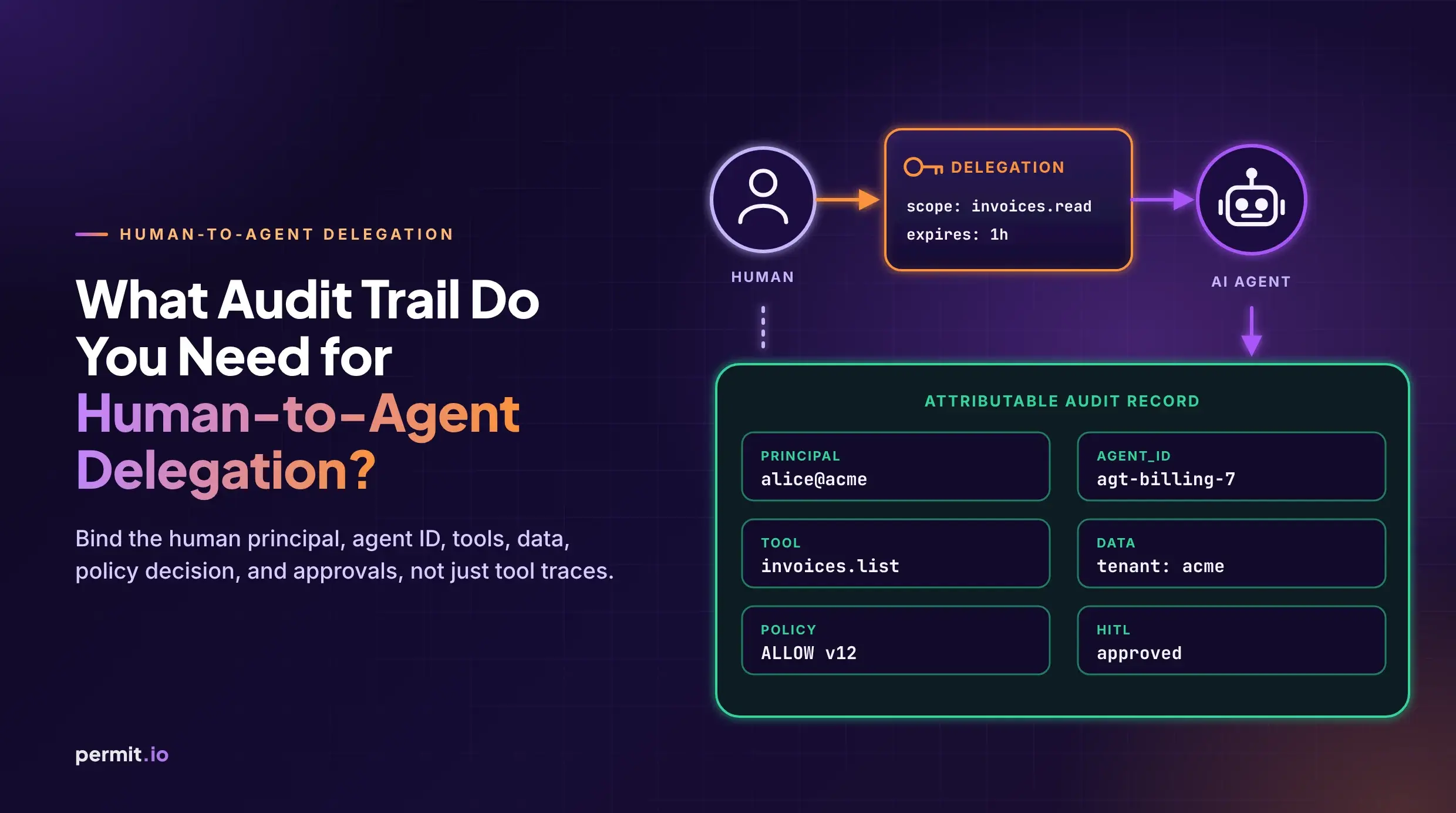
Verify your audit trail works with the new system. Permit logs every authorization decision with:
- User who requested access
- Action attempted
- Resource and tenant
- Decision (allow or deny)
- Policy that made the decision
- Timestamp
Review the Audit Log in the Permit dashboard or export logs to your SIEM.
Concept mapping summary
| Polar / Oso Cloud |
Permit.io |
actor block |
User in Directory |
resource block |
Resource in Policy |
roles in resource |
Roles with permissions |
relations |
Resource relations (ReBAC) |
| Role derivation |
Role derivation rules |
| Attribute conditions |
User sets + Resource sets (ABAC) |
Oso.authorize() |
permit.check() |
Oso.list() |
permit.getUserPermissions() |
| Facts |
Relationship tuples + Attributes API |
| Local mode |
PDP sidecar (permitio/pdp-v2) |
Open policy standards
One consideration when choosing an authorization platform is whether it locks you into a proprietary policy language.
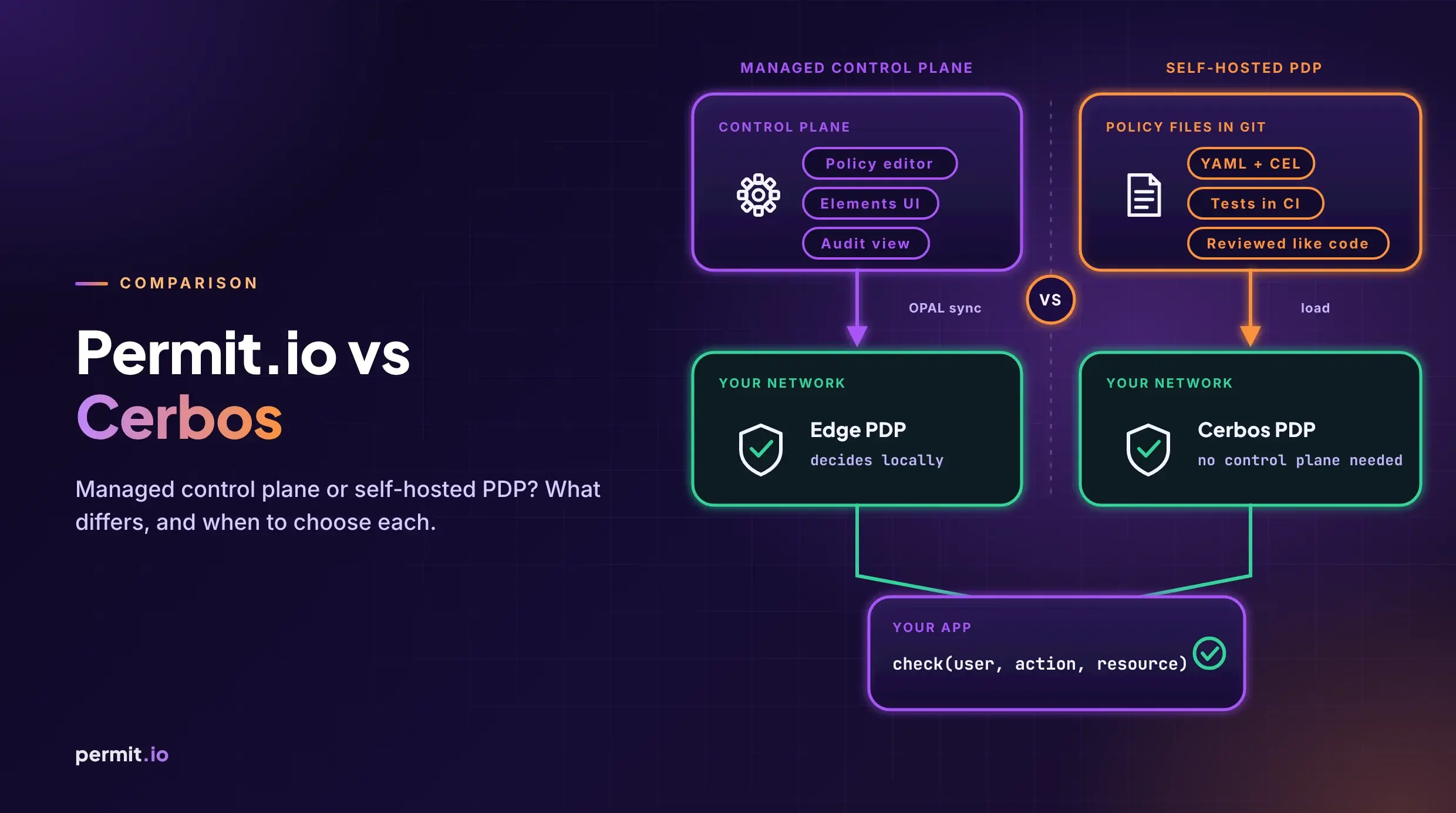
Permit.io runs on open-source policy engines under the hood. The PDP uses Open Policy Agent (OPA) for policy evaluation and supports Cedar policies for teams that prefer that syntax. OPAL (Open Policy Administration Layer) handles real-time policy and data synchronization.
This means your policies are expressed in open standards (Rego, Cedar) rather than a proprietary language. If you ever need to move again, your policy logic is portable.
Extended quotas for Oso customers
If you are migrating from Oso Cloud, we are offering extended quotas to give you time to migrate properly.
Offer: Oso customers get 25% extra on every Permit (classic) plan quota listed on the Permit Pricing page for 12 months.
For example, the Permit classic Free plan includes 20 tenants, 3 environments, 14 days of logs, and 1,000 MAU. With this offer, those quotas increase by 25% for your first year.
Enterprise-tier customers also receive hands-on migration assistance from our team.
To claim this offer, book a migration consultation and mention you are migrating from Oso Cloud.
Getting started
- Sign up for Permit.io
- Follow the quickstart guide to define your first resource and role
- Run a local PDP for development
- Use the mapping table above to translate your Polar policies
- Shadow run both systems until you reach decision parity
If you need help with migration planning, schedule a call with our team.
Frequently asked questions
Is Oso Cloud going away?
According to Oso's announcement, Oso Cloud will continue to operate as usual after the acquisition by Tiny Ltd. However, most of the team is joining Temporal to work on agent security there. The long-term roadmap and support posture are unclear.
Can I use the open-source Oso library instead of migrating?
The open-source Oso library (standalone Polar engine) was deprecated in December 2023. Oso Cloud was the supported path forward. With the team transitioning, there is no actively maintained Oso option.
How long does a migration take?
Timeline depends on policy complexity. Simple RBAC models can migrate in days. Complex ReBAC with many relations and ABAC conditions may take weeks of shadow running to validate decision parity.
Does Permit support Polar syntax?
No. Permit uses a visual Policy Editor, API, and Terraform provider for policy definition. The underlying engines use Rego (OPA) and Cedar, both open standards. The mapping table in this guide shows how to translate each Polar concept.
What about performance?
The Permit PDP runs as a local sidecar container. Authorization checks are local network calls (typically sub-millisecond) and do not depend on reaching a remote service. This is similar to how Oso's local mode worked.