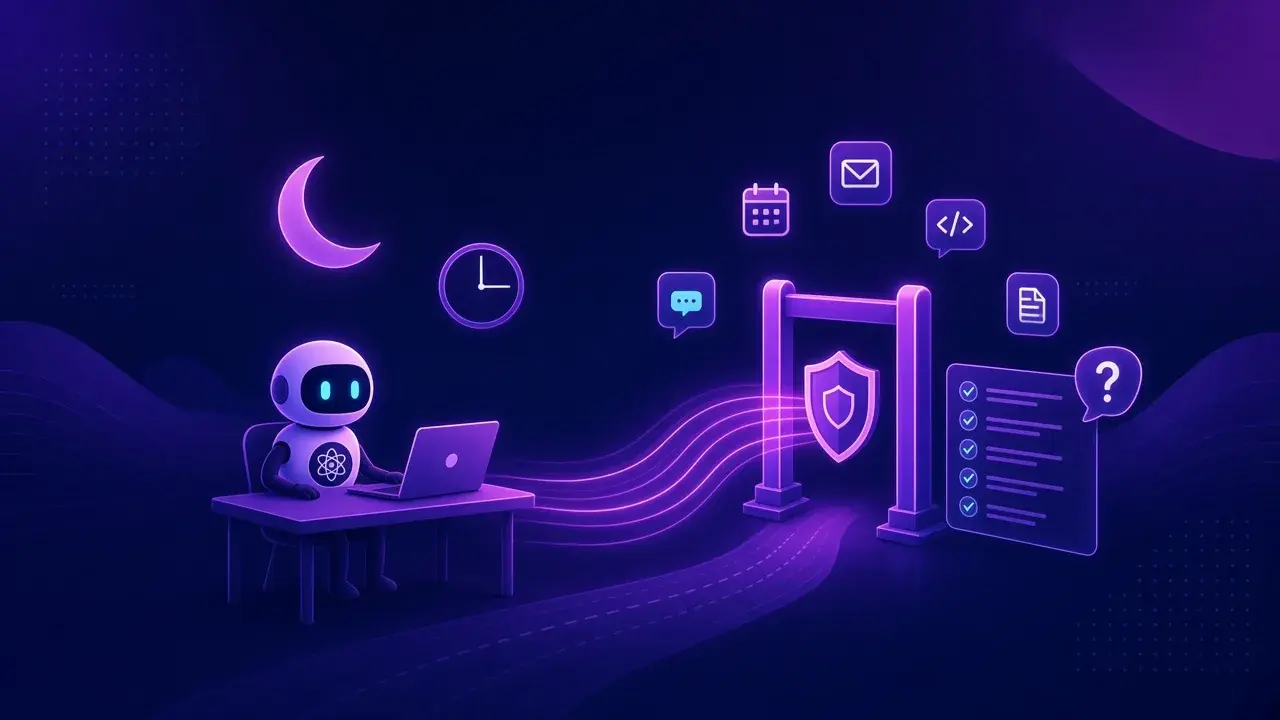
TL;DR: Grok Bot is built for fleets. One person can run several always-on Bots, and the official FAQ says they all share one cloud computer, with its files, browser sessions, and logins, and should not be treated as a security boundary from each other. Keep Grok Bot's own controls on (Vault sign-in, Auto-review, "Ask first" rules). Then put per-agent identity, deny by default, a policy check on every call, human approval at risky steps, and one decision log at the tools, APIs, and apps the Bots reach. The Software Factory Security model, written first for coding agents, covers those controls.
What is Grok Bot, and what can it touch?
xAI launched Grok Bot in beta on August 11, 2026, describing it as "your team of always-on agents" that "have their own computer, work inside tools and apps like you do, and keep working 24/7." Bots sign into the tools you already use, work across apps and inboxes, and come back when something needs your approval.
The pitch is many agents, not one. xAI's plans announcement suggests standing up "a researcher, writer, and chief of staff" and putting them in a group chat so they pass work between themselves. Each one works on a cloud computer that is always on, with browser and terminal access, and routines let a Bot run a job on its own after you show it once.
Grok Bot 1.0, released November 11, added Bots that are shared with a team, brought into Slack, Microsoft Teams, and video calls, and Bots that offer to take on work before anyone asks.
Between them, the Bots can reach email, chat, browser sessions, files, terminals, and whatever apps you connect.
Which safety controls does Grok Bot ship?
The Grok Bot FAQ is unusually direct about the security model. A few points worth knowing:
- A Bot runs a command on your own desktop only if you allow it, and by default it asks each time.
- Sensitive or consequential actions can stop for approval, depending on the tool, the risk, and your Auto-review rules.
- Bots sign in with logins from Vault, a connected password manager, or a Secure Form without seeing the values.
- The FAQ recommends telling each Bot its standing boundaries and adding narrow "Ask first" rules for sending, publishing, deleting, purchasing, or changing production systems.
The product page adds that Grok Bot uses Cursor SSO and privacy mode, encrypts the cloud computer in transit and at rest, routes sensitive actions through Auto Review, and lets enterprise admins set DLP, certificates, proxies, and network controls at boot.
Why is a team of Bots a fleet problem?
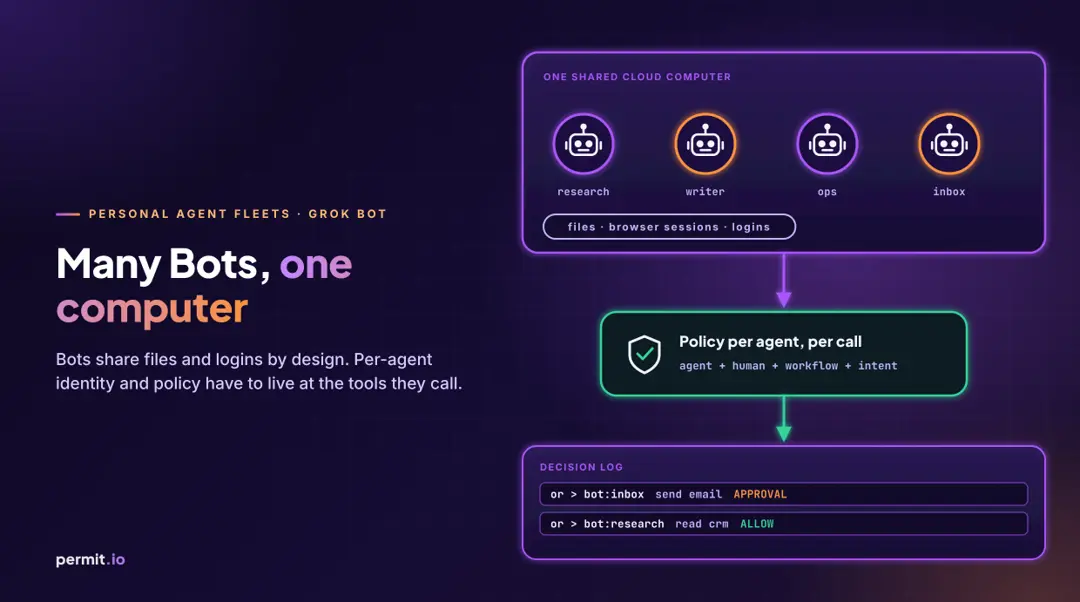
The FAQ sentence that shapes everything else reads: "Every Bot on your account uses one persistent cloud computer. They share its files, browser sessions, and logins so they can hand work off. The computer is assigned per user, not per Bot. Do not use separate Bots as a security boundary."
That is an honest design choice. Handoffs between a researcher Bot and a writer Bot are easy because they share a desk. It also means that, from the point of view of Gmail, your CRM, or your GitHub org, every Bot on the account looks like the same signed-in session, which is usually you.
When one person runs several agents, the same five problems show up regardless of vendor:
| Fleet risk |
How it shows up with shared Bots |
What fixes it |
| Standing access |
Every Bot can use every login on the shared computer |
Deny by default, grants per workflow |
| Delegated identity |
Downstream systems see you, not the Bot |
An identity per agent, bound to the human who delegated |
| Intent drift |
A Bot proactively takes on work you never scoped |
Check declared intent on each call |
| Prompt injection |
A Bot reads a hostile email or web page |
Policy outside the model |
| Audit |
Logs show your account did it |
One decision log naming agent and human |
Prompt injection is the one that turns the shared session into a real risk. A research Bot that reads a poisoned web page has the same browser session as the Bot that sends your email. The model may or may not follow the injected instruction. Whether the action is allowed should not depend on that.
Intent drift is quieter. Proactive Bots are useful because they pick up work without being asked, and that is exactly the moment when "what the Bot is doing" and "what you asked for" can diverge. We wrote about how to detect that in agentic intent and AI agent drift.
How does Software Factory Security apply to a fleet of Bots?
Software Factory Security was written for fleets of AI coding agents. The controls do not care whether the agent is writing code or triaging your inbox. As shared in our docs, the model is: "Give every agent its own identity delegated from a human, deny by default, check every call against policy outside the model, stop risky steps for a person, and keep one decision log."
For a fleet of Bots that share one computer, the important part is where the identity lives. If the Bots cannot be separated on the machine, separate them at the systems they call. Each agent identity binds the human who delegated the work, the client the agent runs as, the workflow, and its declared intent. Then every outbound call, tool call, and protected API call asks one question: may this agent, acting for this human, in this workflow, do this action on this resource right now?
Nothing here requires Grok Bot to change. Keep its Auto-review and "Ask first" rules as one layer. As our SFS page puts it, "Guardrails in a prompt are suggestions. Policy outside the model is a guarantee."
The full architecture is in the Software Factory Security blueprint. The short version of where enforcement sits:
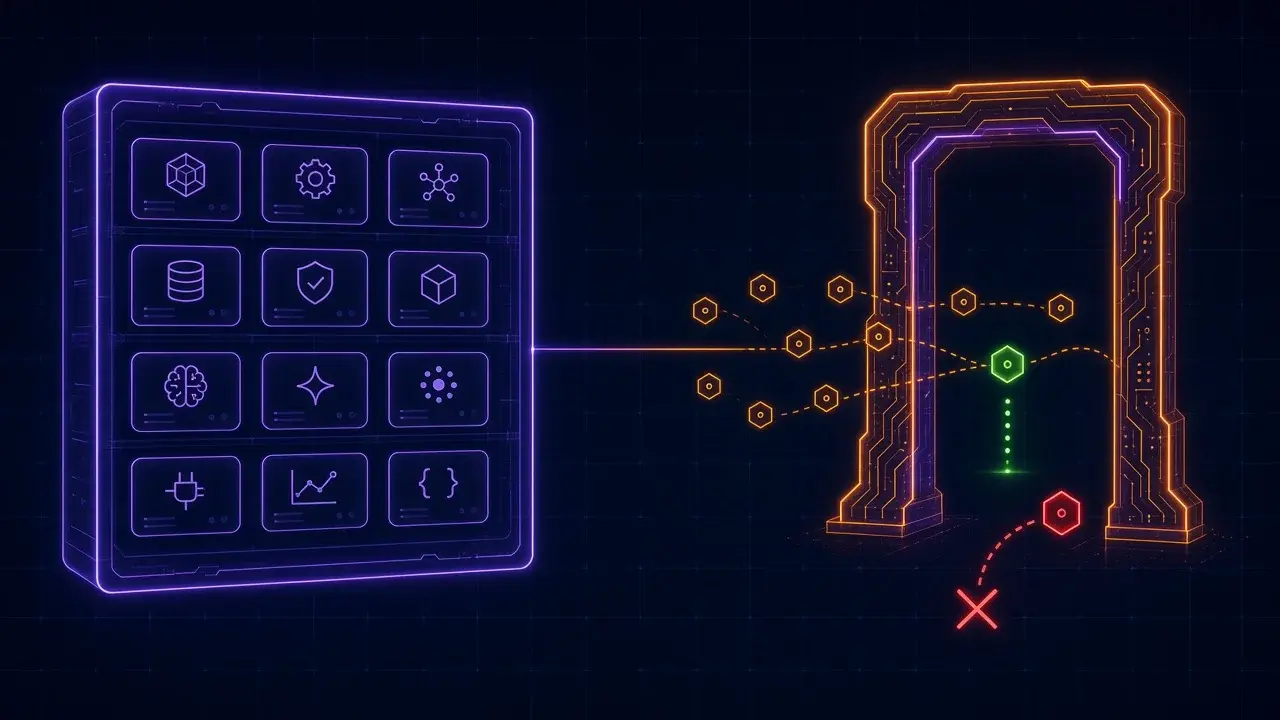
- At the tool layer, for agents that call tools over MCP, Permit MCP Gateway sits between the MCP client and the MCP server. You adopt it by pointing the client at the gateway URL. It signs in the person behind the agent, collects their consent, checks each tool call against policy, and logs the decision. Upstream credentials stay vaulted in the gateway.
- At the API layer, an HTTP egress proxy and PDP check whether a delegated token may reach a given endpoint.
- In your own apps and data, the Permit PDP treats the agent as one more subject with its own permissions.
The MCP Gateway also keeps agents distinct even when they act for the same person: each agent's key combines the MCP client and the person (agent|<client_id>|<subject>), and each tool gets a trust level the person can grant up to an admin's ceiling, with an end date if they want one.
What should the decision log show?
For each call: which Bot, acting for which human, called which tool or API, against which resource, what the policy decided (allow, deny, or approval), who approved it if anyone did, and why. That is the record you need when a Bot did something surprising at 3 AM and the downstream system only says "you." Our MCP Gateway audit log docs list the fields the gateway records.
It also lets you answer the question the FAQ raises about deletion: deleting a Bot removes its profile and routines, but files and logins on the shared computer may remain. If grants live in policy, revoking the agent's grants is a separate, checkable step.
A checklist for running Grok Bot as part of a fleet
- Take the FAQ at its word: treat all Bots on one account as sharing one set of credentials.
- Turn on Auto-review and add "Ask first" rules for sending, publishing, deleting, purchasing, and production changes.
- Use Vault or a password manager for sign-ins, never pasted secrets.
- Give each Bot a narrow job, and register it with an owner and a scope at the tools and APIs it uses.
- Deny by default at those tools; allow per workflow, not per person.
- Require a human for consequential actions at the policy layer too, so the check does not depend on one product's settings.
- Keep one decision log across Bots and vendors, and send it to your SIEM.
- Review grants when you hide or delete a Bot.
Where to start
Pick the one Bot with the most reach, usually the one with your inbox, and put its tool calls behind a policy check and a log. Then add the next one. The Software Factory Security page walks through the five controls and where each one runs.