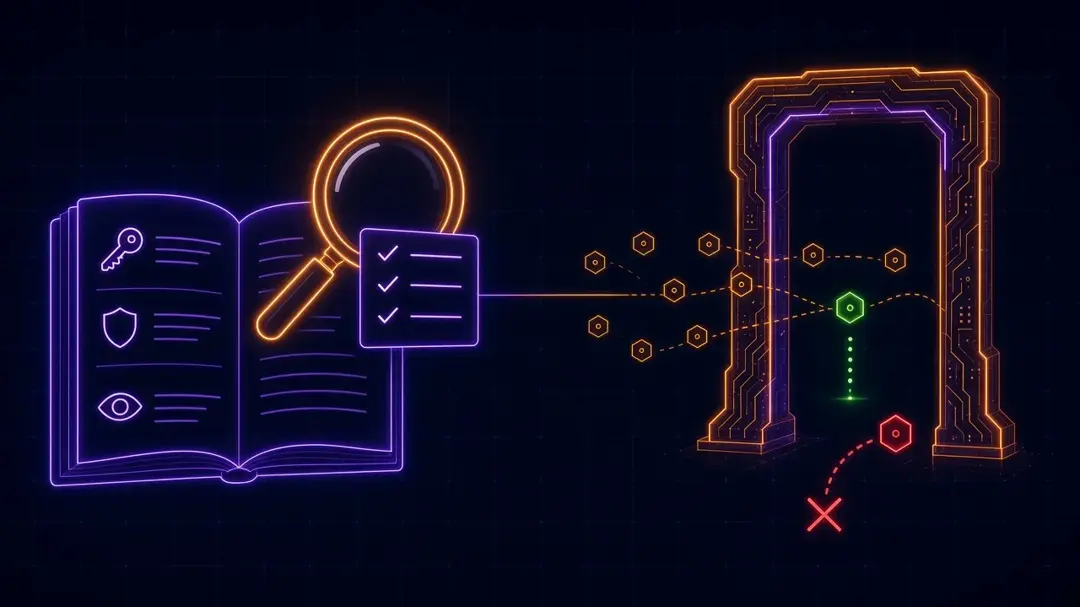
Anthropic published a 36-page guide, Zero Trust for AI Agents, subtitled "A security framework for deploying autonomous AI agents in the enterprise." It is one of the more practical agent security documents we have read this year. It is also long, dense, and organized across tier tables. We read it so you do not have to.
Below are the highlights, a checklist for your next design review, and short notes on where Permit fits and where it does not.
What does zero trust for AI agents mean? Zero trust for AI agents means no agent action is trusted by default. Each agent gets its own verifiable identity and short-lived credentials, receives only the permissions its current task needs, has every tool call authorized against policy, and has every decision logged. You design assuming an agent will be compromised and limit what it can reach.
TL;DR
- The guide applies the three classic zero trust principles (never trust and always verify, assume breach, least privilege) to agents, and adds OWASP's "least agency": limit what each agent tool can do, how often, and where.
- Its main design test: does a control make an attack impossible, or just tedious? Rate limits, extra hops and SMS MFA are friction. An AI attacker with "unlimited patience and near-zero per-attempt cost" grinds through friction.
- Controls come in three tiers: Foundation, Enterprise and Advanced. The guide says the Foundation floor has been raised. Short-lived tokens, cryptographically rooted identity, identity-based isolation and automated first-pass alert triage are now entry requirements.
- Static API keys are out, even at Foundation. "Treat them as already-compromised."
- Authorization moves from RBAC with deny by default (Foundation), to ABAC (Enterprise), to continuous, per-action authorization (Advanced).
- An eight-phase implementation workflow covers requirements, supply chain, agent boundaries, prompt injection, tool access, credentials, memory and metrics.
- For defenders: automate the bookkeeping around incidents, and keep humans on the decisions.
The threats it calls out
Part II leans on OWASP's agentic threat list. The ones to remember:
- Prompt injection, direct and indirect. The guide notes that LLMs cannot reliably tell context from instructions, so a poisoned web page or email can steer an agent.
- Tool poisoning, rug pulls and tool chaining. Malicious MCP tool metadata, a trusted tool swapped for a bad one, or two legitimate tools combined to exfiltrate data neither exposes alone.
- Tool misuse inside granted permissions. "Traditional access controls can't prevent this attack because the agent operates within its granted permissions."
- Identity and privilege abuse, including a manager agent passing its full access to a worker agent, the confused deputy problem between agents, and agents caching credentials across sessions.
- Supply chain risk in MCP servers, frameworks and models.
- Memory and context poisoning, including RAG poisoning and shared context in multi-tenant systems.
Highlights by section
Identity and authentication
Every agent instance needs a unique, cryptographically backed identity that appears in every log and access request. Enterprise adds mutual TLS and X.509 certificates with full lifecycle management. Advanced binds credentials to hardware (HSMs, TPMs, attestation). Service authentication should use short-lived tokens from an identity provider, with expiry "measured in minutes," refreshed automatically.
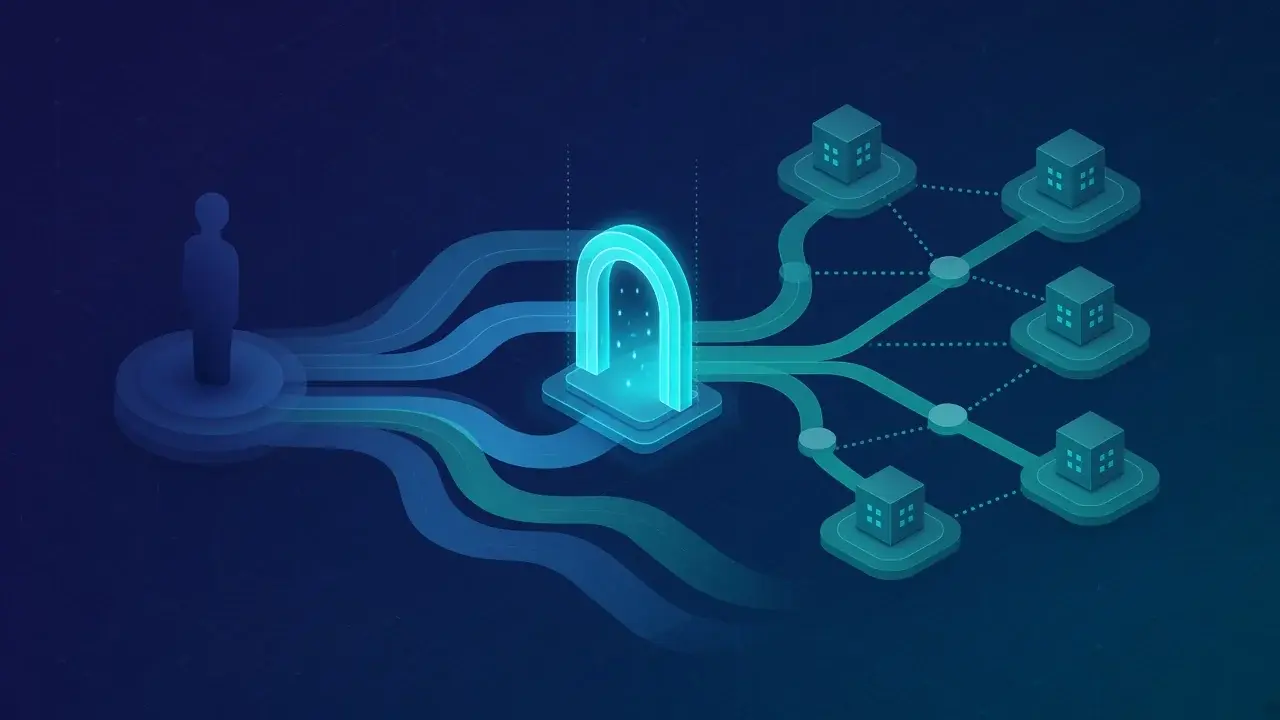
Where Permit fits: Permit MCP Gateway binds every tool call to one person and one agent. It identifies each agent by the MCP client's OAuth client ID plus the ID of the person who approved it, so two people using the same client are two agents, as shared in our MCP Gateway docs. Each forwarded request also carries a short-lived JWT signed by the gateway that the upstream server can verify. Permit is not a PKI or a hardware attestation service. Certificates, mTLS and HSM-backed keys stay with your identity and infrastructure stack. More on this split in agent identity vs. service accounts.
Credentials
The guide is blunt about secrets: no static keys, no credentials in code or config, one set of credentials per agent, and just-in-time access where you can manage it. It calls JIT "very powerful, and not easily implemented."
Where Permit fits: the HTTP Egress Proxy in Permit MCP Gateway stores upstream API credentials in the gateway and injects them into allowed requests, so the agent never holds the secret. For AWS, it signs requests with temporary STS credentials instead of storing a long-lived key, and it scrubs injected secrets from responses, as shared in our credentials docs. The MCP gateway itself holds upstream OAuth tokens and does not pass them to MCP clients. The egress proxy is enabled per account on request, and credentials are encrypted at rest only with the KMS vault turned on, so check both before you rely on it.
Access control and privilege
This is the heart of the guide. Foundation is RBAC with deny by default, "a starting posture, not a destination." Enterprise is ABAC with context such as time, location, data sensitivity and risk score. Advanced is continuous authorization: "Evaluate authorization at each action rather than session start." Privilege scoping follows the same ladder: static least-privilege roles, dynamic elevation that returns to baseline, and JIT access that expires automatically.
Where Permit fits: this section maps most closely to what Permit does. Permit supports RBAC, ABAC and ReBAC policies, and the gateway checks every tool call against policy at call time, which is the per-action model the guide places in its Advanced tier. Tools get trust levels by risk (low for reads, medium for writes, high for deletes), and an agent's effective level is the lower of the admin's maximum and what the person approved. Nobody can use an imported MCP server until an admin grants access. When people approve an agent, they choose when access ends (1 hour, 1 day, 7 days, a custom time, or never), and grants also expire after 90 days without use. A revocation applies on the next tool call. All of this is in the MCP Gateway overview. For apps and agents outside MCP, access requests and operation approvals give you request-and-approve elevation. One gap to name: the guide's Advanced tier also feeds threat intelligence into authorization decisions, and Permit does not ship threat intel feeds. See zero standing privileges for how we think about JIT for agents.
Resource boundaries and sandboxing
Identity-based isolation is the primary control, with network segmentation as a backstop. Sandboxed execution (containers, gVisor, microVMs) is "table stakes for any agent handling untrusted input."
Where Permit fits: partly. Permit does not sandbox processes or segment networks, and the gateway docs say so. What it adds is identity-aware, deny-by-default control on where an agent can go: the HTTP Egress Proxy denies every outbound request until a workflow rule allows the destination, and rejects internal, loopback and cloud metadata addresses. Permit Coding Agents Gateway applies default-deny outbound rules with an explicit allowlist to coding agents such as Claude Code, Cursor and Codex at the process level. Use both alongside a sandbox, not instead of one.
Observability, auditing and traceability
Log every tool invocation with agent identity, action and context. Enterprise makes the logs immutable and verifiable. Advanced streams them to a SIEM. Traceability links every action back to the request that triggered it. Before anything else, the guide says, measure two numbers: dwell time and alert coverage.
Where Permit fits: the gateway logs every allow and deny decision with the agent, the person, the tool, the server, the time and the reason, plus each consent grant and each change, pause, expiry and revoke of a grant. You can read the logs in the dashboard or through the Permit audit log API. Self-hosted PDPs can forward decision logs to Elasticsearch or stdout with the logs forwarder, and the Coding Agents Gateway page describes audit to your SIEM. Permit does not provide cryptographic log integrity or cross-agent distributed tracing. For what a useful agent log contains, see AI agent audit logs: 12 essential fields.
Behavioral monitoring and response
Establish a baseline of normal agent behavior, detect deviations, and respond automatically to high-confidence threats by ending sessions or revoking credentials. The guide's rule here is worth quoting: "automate the bookkeeping around incidents, not the decisions."
Where Permit fits: the gateway has optional checks that look at behavior per call. Semantic identity stops an agent whose registered identity drifts, which can mean prompt injection. The Guardian, an LLM judge, grades each call against the server's intended workflow and allows it, refuses it or holds it for an admin. Admins can block a session or revoke an agent, and three blocked sessions within 24 hours send the agent back to its person for re-approval. These are model-graded checks, and the docs say plainly they can miss an injected call. Permit does not do statistical baselining or anomaly scoring across your environment. That stays with your SIEM and detection stack. Background in agentic intent and agent drift.
Input and output controls, and human approval
Validate inputs, filter known injection patterns, use spotlighting to separate untrusted content (the guide cites Microsoft research where it cut indirect injection success from over 50% to under 2%), and filter outputs for sensitive data. Human-in-the-loop review "is valuable at any tier and absolutely necessary for high-risk actions."
Where Permit fits: Permit does not sanitize prompts or classify output data, and our docs tell you to keep prompt injection defenses in the client and model layer. Where Permit helps is the human step. Admins can require approval for chosen tools or a whole server through an approvals queue (an Enterprise feature), and people can tell an agent to ask before it changes or deletes anything. That way an injected instruction still has to pass a policy check before it does damage. See human-in-the-loop for AI agents.
Integrity, recovery and governance
Keep agent configs in version control with review, sign them, roll back fast, and write down governance: acceptable use, who approves agent deployments, and how to handle Shadow AI. The guide wants policy checks to move from periodic reviews into automated pipeline checks.
Where Permit fits: gateway policies can be managed as code through the Permit UI, API or Terraform provider, so access rules go through the same review and history as the rest of your config. Config signing and rollback of the agents themselves stay with your CI/CD.
Multi-agent trust and memory
Agents should verify other agents before accepting delegated work, with authorization checks at each step "rather than trusting that the initiating agent had appropriate permissions." Memory needs isolation between users and sessions, integrity checks on retrieval, and retention limits.
Where Permit fits: each gateway call is checked for both the agent and the person behind it, and Permit enforces the trust ceiling with ReBAC along the person, agent and server chain, so a downstream agent cannot pick up more than the person delegated. Permit does not protect memory stores directly. We have argued that shared agent memory is a permissions problem, and the confused deputy post covers the delegation side.
Supply chain
Track AI components in an AI-BOM, score dependencies with OpenSSF Scorecard, sign everything, and review MCP server code before you run it, ideally hosting it yourself.
Where Permit fits: Permit does not scan packages or models. A gateway does limit what a bad server can be asked to do, because only allowed calls reach it. More in the MCP server supply chain is a runtime supply chain.
Defensive operations
Part V is about running security at the speed of AI attackers: put a model at the front of the alert queue with read-only access, map detection to MITRE ATT&CK, rehearse five incidents in one week instead of one, and set emergency change procedures before you need them. Defensive agents get the same zero trust treatment as any other agent.
This section is mostly outside Permit's scope, apart from one point: a triage agent with "read-only access" and scoped tools is itself an agent that needs least privilege and an audit trail.
A note on the pro-tips
The guide includes many "Pro-tip" boxes about Claude Code features, such as deny-by-default permissions, sandboxing, managed settings and hooks. They are useful if you run Claude Code.
Most organizations run several agents from several vendors, so you will also want controls that sit outside any one agent and apply the same policy to all of them. The guide makes the same point about tool allow-listing: enforce it at the agent and "outside the agent level, in case the agent or the agent environment is compromised."
Checklist
Use this as a quick self-check against the guide's Foundation tier and the parts of Enterprise most teams need:
- Every agent instance has its own cryptographically backed identity, and it shows up in every log line.
- No static API keys or embedded credentials. Tokens are short-lived and refreshed automatically.
- Each agent has its own credentials, injected at runtime, never shared.
- Authorization is deny by default, scoped per tool, and checked on every call, not once per session.
- Elevated access is time-bound and expires on its own.
- Agents run in a sandbox, and outbound network access is allow-listed.
- Every tool call is logged with agent, person, action, resource, decision and reason.
- High-risk actions need human approval, with the approval logged.
- Delegation between agents is authorized at each hop.
- You measure dwell time and alert coverage, and you could tell within an hour if an agent went rogue.
- For every control, you asked: impossible, or just tedious?
Regulated teams
The guide ties zero trust to HIPAA, FINRA, GDPR, FedRAMP and the EU AI Act, and notes that the US requires federal agencies to adopt zero trust by 2027. It is offered "as a framework for your own evaluation, not as legal, compliance, or security assurance."
For our own posture: Permit completed its latest SOC 2 Type II renewal in January 2026, and our Trust Center lists HIPAA, GDPR and CCPA/CPRA as compliant. Permit policy decision points can run in your own network and keep using cached policy during a temporary control-plane interruption. Nexus PDP, which is generally available, keeps answering from its local copy when the control plane is unreachable. Authorization decisions are deterministic and are not made by Permit-owned AI models.
FAQ
What is Anthropic's Zero Trust for AI Agents guide?
A 36-page framework from Anthropic for deploying autonomous agents securely. It covers agent threats, controls in three tiers (Foundation, Enterprise, Advanced), an eight-phase implementation workflow, and defensive operations.
What is least agency?
A term coined by OWASP that extends least privilege to agents. It limits what each agent tool can do, how often and where, for example read-only queries for a database tool and no send rights for an email summarizer.
Is RBAC enough for AI agents?
The guide treats RBAC with deny by default as the Foundation tier only. It recommends ABAC for most organizations and continuous, per-action authorization for high-risk deployments.
What is the "impossible, not tedious" test?
A question to ask of every control: does it make the attack impossible, or only slower? Controls that rely on friction, like rate limits or extra hops, fail against AI attackers who do not tire.
To put per-call authorization, consent, approvals and audit in front of the MCP servers your agents already use, try Permit MCP Gateway.